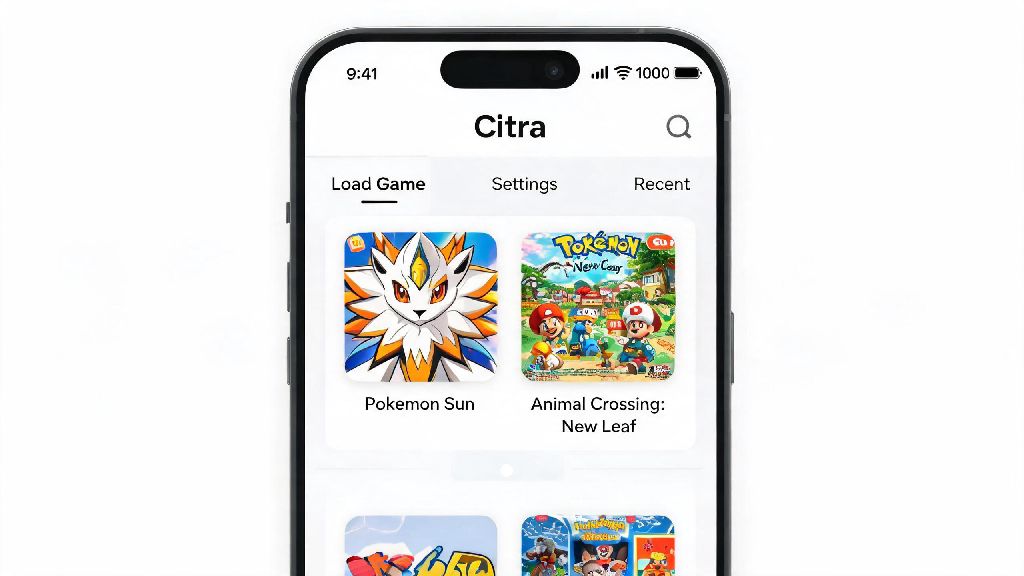
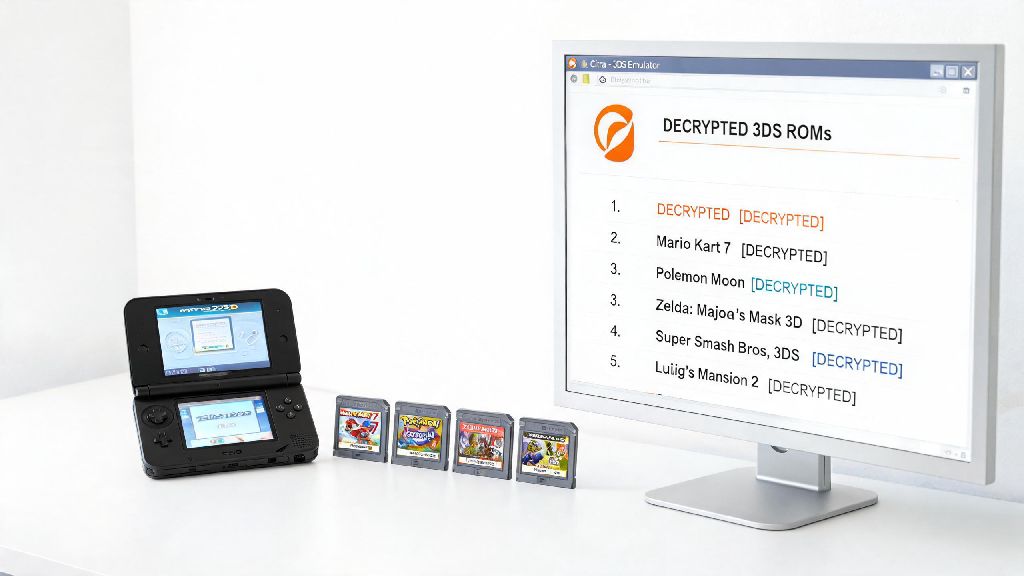
If you’ve ever dug up a stack of old 3DS game cartridges and wished you could play them on your laptop or phone without digging your dusty handheld out of storage, you’ve probably heard of Citra. It’s one of the most well-established open-source emulators available, and it’s been refined over years of active development to run thousands of classic handheld games smoothly. One of the first questions every new Citra user asks is what consoles can Citra emulate, and it’s a smart question to ask before you spend time dumping your game library or tweaking settings. This guide breaks down exactly what hardware Citra supports, what features you can expect, and what limits you might run into as you set up your emulator.
What Consoles Can Citra Emulate, Exactly?
Citra is purpose-built to emulate one specific line of handheld consoles, and it does that job extremely well. It’s not a multi-system emulator, so it doesn’t support a wide range of different hardware platforms like some other popular emulation tools. The full list of supported consoles all fall under the Nintendo 3DS family of consoles, which share the same core internal architecture, even if their physical designs and small feature sets differ slightly.
- Original Nintendo 3DS and 3DS XL (launch 2011 models with glasses-free 3D support)
- Nintendo 2DS (the wedge-shaped, budget entry model with no 3D functionality)
- New Nintendo 3DS and New 3DS XL (2014 upgraded models with extra processing power and extra shoulder buttons)
- New Nintendo 2DS XL (2017 slim, lightweight no-3D version of the New 3DS line)
No other non-3DS Nintendo consoles are supported by Citra, no matter what you might see in random online tutorials. I tried loading a copy of my old DS Pokemon SoulSilver ROM on Citra when I first downloaded it, and it wouldn’t even recognize the file, which makes sense when you realize the 3DS and DS have completely different hardware architectures. You’ll need a separate emulator if you want to play DS, Game Boy Advance, or Switch games, and you won’t waste time troubleshooting if you go in knowing that limit upfront.
Key Features of Citra’s 3DS Emulation
Because Citra is focused exclusively on 3DS hardware, its developers have been able to add a ton of quality-of-life features that make playing 3DS games better than on original hardware in a lot of cases. Upscaled resolution support is the biggest draw for most users, because you can crank 3DS games up to 4K or even higher, depending on your hardware, which eliminates the pixelated, blurry look of the original 240p 3DS screen. That makes open world games like The Legend of Zelda: A Link Between Worlds look crisp and vibrant on a big monitor.
You also get built-in save state support, so you can save your progress at any point in a game, even if it doesn’t have a nearby save point. That’s a game-changer for tough platformers or long RPGs where you might not have time to play through an entire chapter in one sitting. Controller support is fully built in too, so you can use your PS5, Xbox, or Switch Pro controller instead of fumbling with keyboard controls. Even better, Citra supports custom online servers for most 3DS games that had official online play, even after Nintendo shut down the original 3DS online servers in 2024, so you can still play Mario Kart 7 with friends remotely. Every feature is built specifically for the 3DS, which is why it outperforms multi-system emulators when it comes to the question of what consoles can Citra emulate well.
Common Compatibility Limits You Should Know
For as polished as Citra is, it’s not perfect, and there are some limits to what it can run or replicate from original 3DS hardware. Games that rely on custom hardware peripherals are the biggest hit-or-miss category right now. For example, games that use the 3DS camera for AR functions or face recognition, like Nintendogs + Cats or some AR card games, won’t have those features working even if you have a webcam connected to your device. Games that use the Circle Pad Pro accessory might also have broken control mapping unless you manually adjust settings to account for the extra analog stick.
Region-locked games can also cause headaches if you don’t adjust your Citra settings first. If you dump a Japanese version of a 3DS game, for example, you’ll need to set your Citra region to Japan in the settings menu, otherwise the game will crash on boot. Very graphically intensive 3DS games might also drop frames if you’re running Citra on a low-end laptop or budget Android device. I had to turn off anti-aliasing and drop the resolution to 2x to run Fire Emblem Fates smoothly on my old 2020 budget laptop, and that small tweak fixed 90% of the performance issues I was seeing.
How to Get the Best Performance When Emulating 3DS Games on Citra
Getting smooth, consistent performance on Citra doesn’t take a ton of technical know-how, and a few small tweaks can make a huge difference in how your games run. First, make sure you’re running the latest version of Citra, either the stable Nightly build or the experimental Canary build. Developers push out updates every week that fix compatibility bugs and boost performance for underperforming games, so using an outdated version can cause unnecessary crashes or glitches.
Only use ROMs you have legally dumped from your own physical 3DS cartridges first and foremost. Downloading ROMs from random sites is illegal in most regions, and those files are often corrupted or modified with malware, which can cause crashes or hurt your device. If you dump your own games, you know you’re working with a clean, working file that will boot properly.
Adjust your graphics settings to match your hardware too. If you have a mid to high-end PC, you can crank the resolution up to 4K, turn on texture filtering, and add anti-aliasing for the best possible visual quality. If you’re on a low-end device or a phone, stick to 1x or 2x resolution, turn off extra visual effects, and enable hardware shaders to cut down on frame drops. If you’re playing a New 3DS exclusive game like Xenoblade Chronicles 3D, make sure you toggle the “Enable New 3DS Mode” setting on, that’s a common mistake new users make that causes those exclusive games to crash immediately on boot.
Now you know exactly what consoles can Citra emulate, and you have all the context you need to set up your emulator without running into common beginner mistakes. While it doesn’t support a huge range of different consoles, its narrow focus on the 3DS line makes it one of the most polished, reliable emulators available for any platform right now. If you’re just starting out, test things out with one or two of your favorite 3DS games first, tweak your settings to match your hardware, and you’ll be playing those classic games at higher resolutions than the original hardware ever could support in no time.