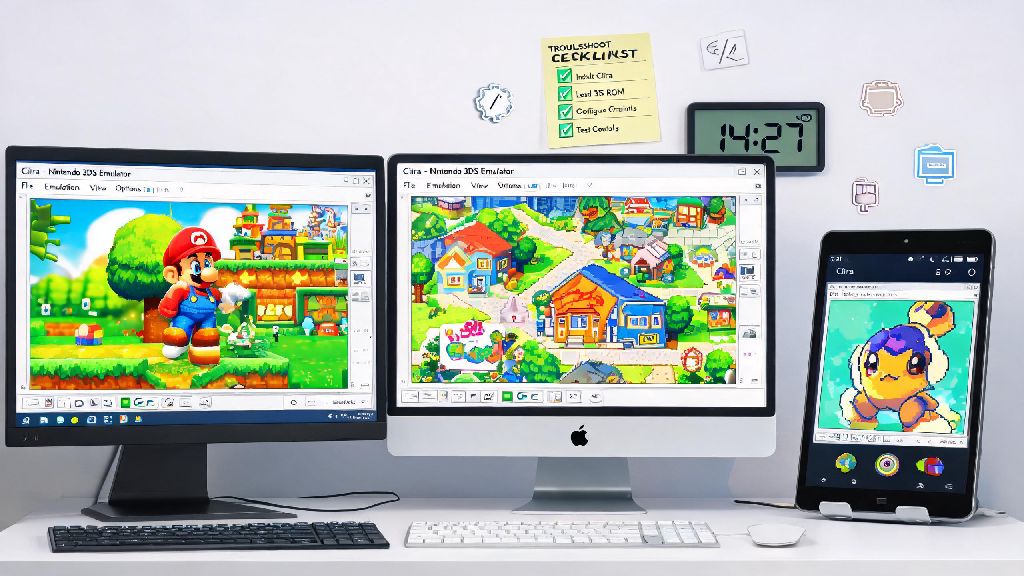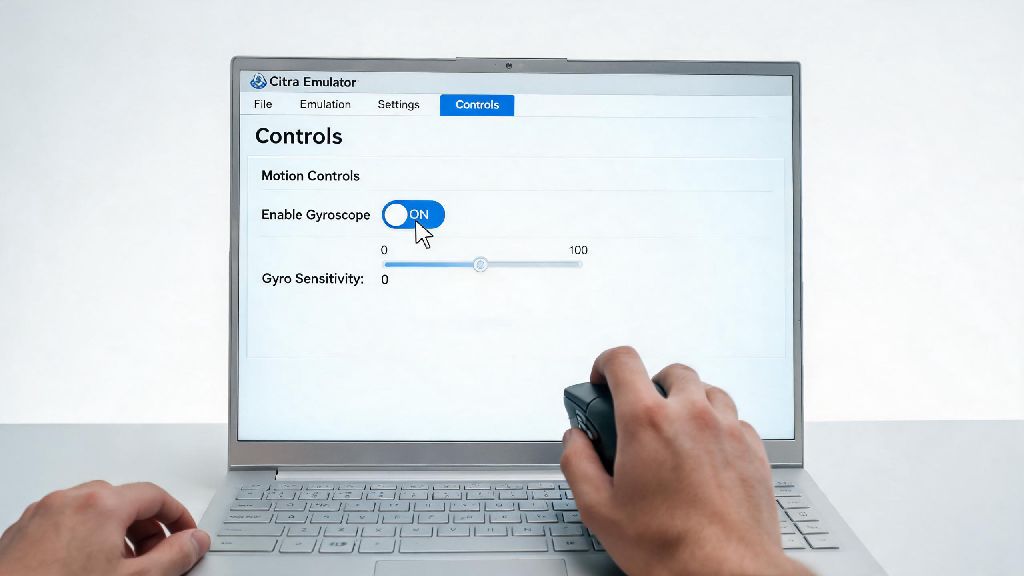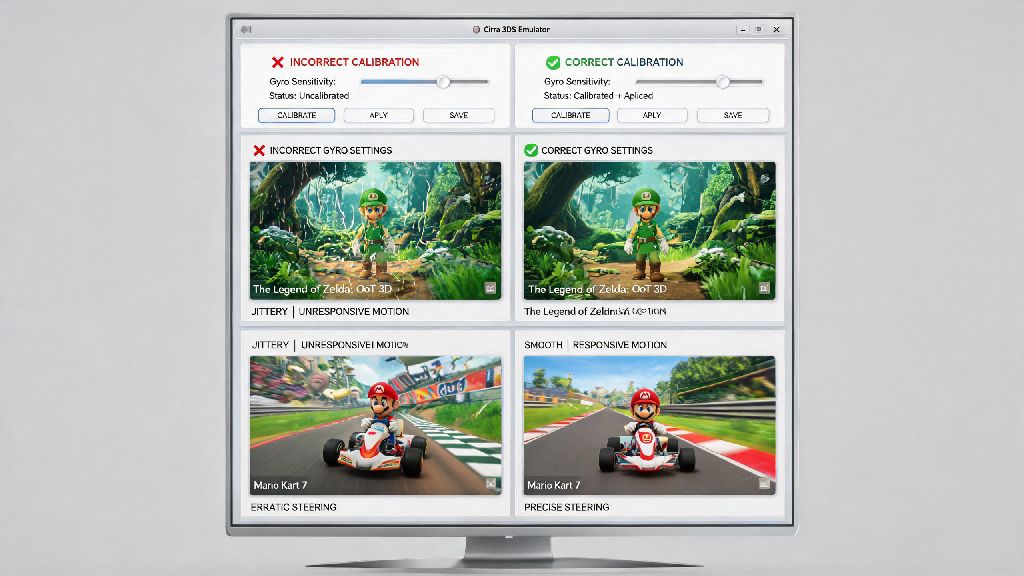
Are you a fan of playing classic Nintendo games on your Android device? If so, you've probably come across the Citra Emulator, a popular choice for running these games on mobile devices. However, many users often face the issue of low frame rates (FPS) while gaming. In this article, we'll discuss how to increase FPS on Citra Emulator Android to enhance your gaming experience.
1. Update Citra Emulator to the Latest Version
One of the simplest ways to improve FPS on Citra Emulator is to ensure that you're using the latest version. Developers frequently release updates that include performance improvements and bug fixes. By updating to the latest version, you can take advantage of these optimizations.
2. Optimize Graphics Settings
Adjusting the graphics settings can have a significant impact on your FPS. Here are some settings you can tweak:
3. Use a Custom Shader
Shaders can significantly impact the performance of an emulator. By using a custom shader, you can optimize the rendering process for better FPS. You can find various shaders online that are designed to improve performance on the Citra Emulator.
4. Close Background Apps
Running multiple apps in the background can consume system resources, which can lead to a decrease in FPS. Make sure to close any unnecessary apps before starting your game.
5. Check Your Device's Performance
Your device's hardware also plays a crucial role in determining the FPS. Make sure that your Android device meets the minimum requirements for running Citra Emulator. If your device is struggling to run the emulator smoothly, consider upgrading to a more powerful device.
In conclusion, increasing FPS on Citra Emulator Android can be achieved by updating the emulator, optimizing graphics settings, using custom shaders, closing background apps, and ensuring your device meets the necessary requirements. By following these tips, you can enjoy a smoother and more enjoyable gaming experience.