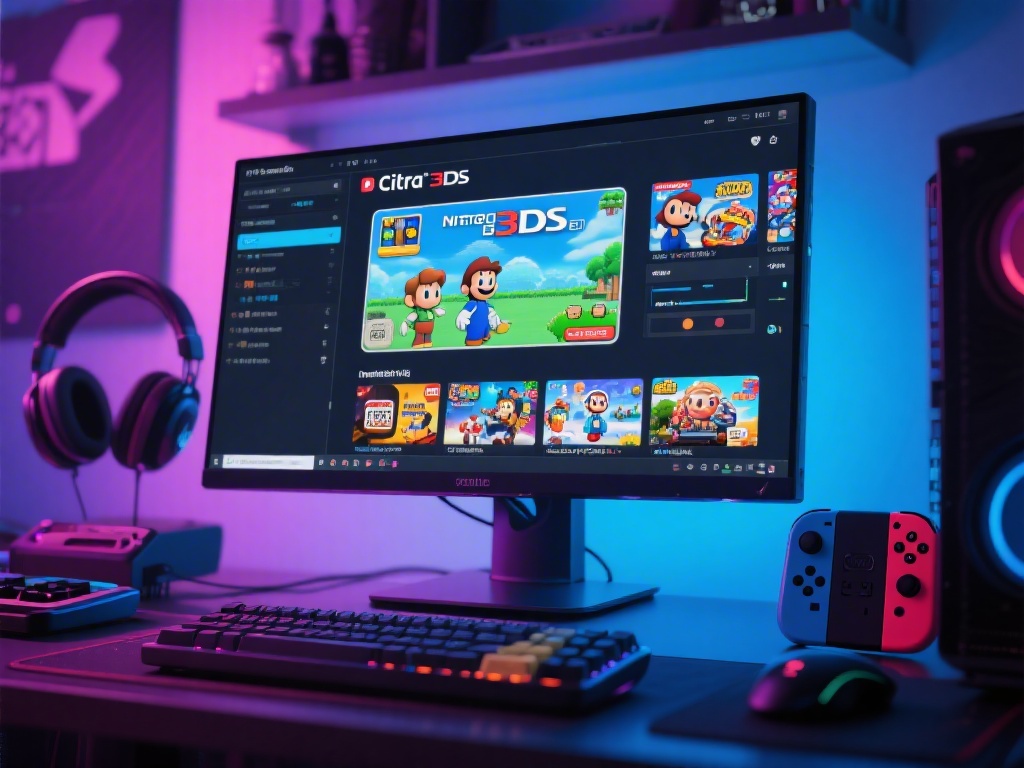
Are you a gaming enthusiast looking to emulate Nintendo 3DS games on your PC? Look no further! In this complete guide, we will walk you through the process of using the Citra 3DS emulator on your PC. Whether you're new to emulators or a seasoned user, this article will provide you with all the necessary steps to get started.
Understanding the Citra 3DS Emulator
The Citra 3DS emulator is an open-source project that allows you to play Nintendo 3DS games on your PC. It is continuously updated to improve compatibility and performance. Before diving into the installation process, it's essential to understand the emulator's basics.
Installing Citra 3DS Emulator on PC
1. Download the latest version of Citra from the official website.
2. Run the installer and follow the on-screen instructions.
3. Once installed, launch Citra and you're ready to start emulating games.
Setting Up Your Citra 3DS Emulator
1. Configure the graphics settings to improve performance or visual quality.
2. Adjust the control settings to map your keyboard or gamepad to the emulator's controls.
3. Set up the audio settings to ensure you can hear the game's sound effects and music.
Adding ROMs to Citra
1. Locate the ROM file for the game you wish to emulate.
2. Open Citra and go to the 'Load ROM' option.
3. Select the ROM file and start playing.
Updating Citra 3DS Emulator
1. Check for updates regularly to ensure compatibility with new games.
2. Download the latest version of Citra and follow the installation steps.
3. Restart the emulator to apply the updates.
Troubleshooting Common Issues
1. If you encounter graphical glitches, try adjusting the graphics settings.
2. If the game is running slow, try reducing the graphics settings or closing unnecessary applications.
3. For audio issues, ensure your sound settings are configured correctly.
Joining the Citra Emulator Community
1. If you need further assistance, join the Citra emulator community.
2. The community is a great place to find help, share tips, and discuss the latest updates.
In conclusion, using the Citra 3DS emulator on your PC is a straightforward process once you understand the basics. By following this guide, you'll be able to emulate your favorite Nintendo 3DS games and enjoy them on your PC. Happy gaming!