Introduction to Citra Emulator
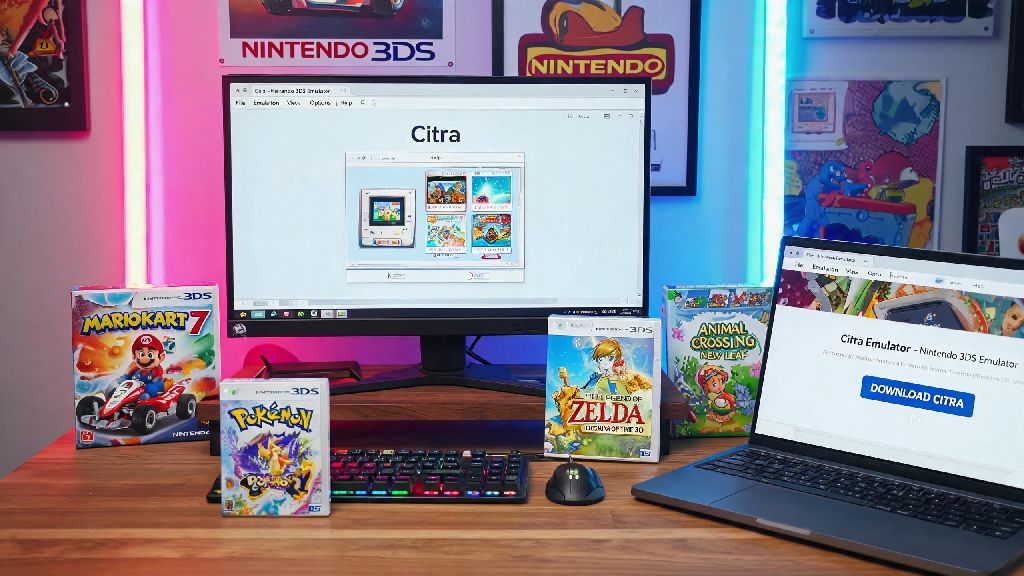
If you're a fan of Nintendo 3DS games but can't carry your console around, you're in luck. The Citra Emulator is a game-changing tool that allows you to play your favorite 3DS games on your PC. Whether you're a seasoned gamer or new to the world of emulators, this guide will walk you through the process of setting up and running Nintendo 3DS games on Citra Emulator.
Download and Install Citra Emulator
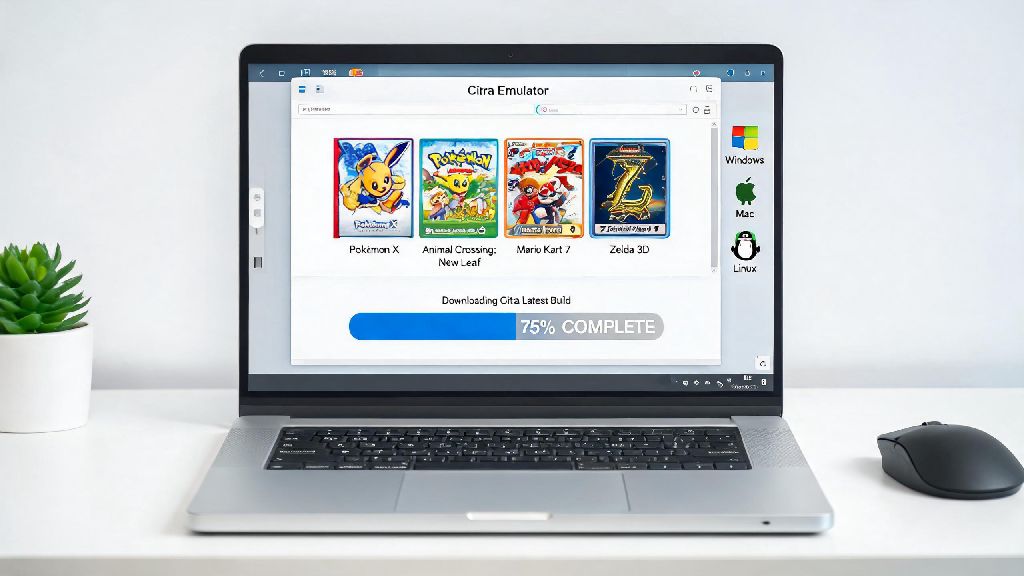
The first step is to download and install the Citra Emulator. You can find the latest version on the official Citra website. Make sure to download the version compatible with your operating system. Once downloaded, run the installer and follow the on-screen instructions to complete the installation.
Obtaining Nintendo 3DS ROMs
To play games on Citra Emulator, you'll need ROMs. ROMs are digital copies of the games that you can legally download from various sources. It's important to only download ROMs of games you own or have the right to play. Once you have your ROMs, place them in a folder on your computer for easy access.
Setting Up Citra Emulator
Now it's time to set up Citra Emulator. Open the emulator and go to the "Settings" menu. Here, you can adjust various options to optimize your gaming experience. Some settings to consider include:
-
- Graphics: Adjust the rendering settings to improve performance or compatibility.
- Audio: Configure the audio settings to ensure clear sound.
- Input: Map your keyboard or controller buttons to match the game's controls.
Running Nintendo 3DS Games
With Citra Emulator set up, it's time to run your first game. Load a ROM by clicking the "Open ROM" button in the main window. The emulator should automatically detect the game and load it. You can now start playing your favorite 3DS games on your PC.
Updating Citra Emulator
Citra Emulator is constantly being updated to improve performance and fix bugs. It's important to keep your emulator up to date. You can check for updates by going to the "Help" menu and selecting "Check for Updates." Follow the instructions to download and install the latest version.
Troubleshooting Common Issues
Like any emulator, Citra can encounter issues from time to time. Here are some common problems and their solutions:
-
- Graphics Issues: Update your graphics drivers or adjust the rendering settings.
- Audio Issues: Check the audio settings and ensure your sound device is working properly.
- Controller Issues: Re-map your controller buttons or try a different controller.
Joining the Citra Emulator Community
The Citra Emulator community is a fantastic resource for advice, support, and updates. You can join the community on Discord, Reddit, or the official Citra forums. Don't hesitate to ask for help or share your experiences with other users.
In conclusion, running Nintendo 3DS games on Citra Emulator is a fantastic way to enjoy your favorite games on your PC. With this guide, you should now be able to set up and run your first game. Happy gaming!