If you’ve ever wanted to revisit your favorite Wii U or 3DS titles without digging out your old dusty consoles, you’ve probably looked into emulators like Cemu and Citra already. But one of the biggest hurdles new emulator users face is figuring out how to get games for cemu and citra emulators without running into broken files, legal trouble, or malware. I’ve been testing both emulators for over 5 years, and I’ve made every mistake in the book when it comes to sourcing game files, from downloading a 10GB corrupted Zelda ROM to getting a pop-up virus that took me an afternoon to remove. This guide breaks down exactly what you need to know to get working, safe game files that run perfectly on both emulators.
How to Get Games for Cemu and Citra Emulators From Your Own Consoles
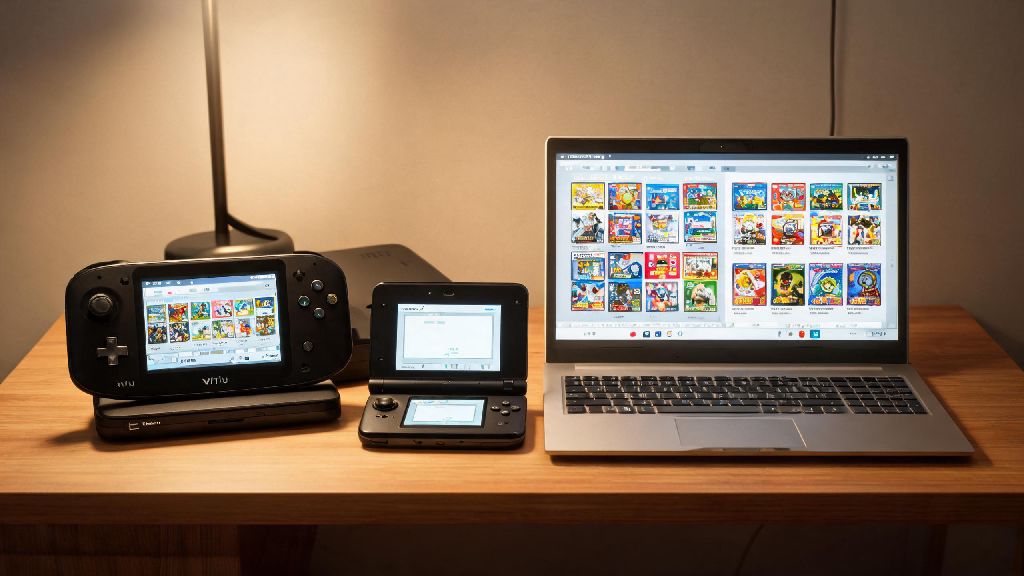
The only 100% legal way to get games for both emulators in most regions is to dump them directly from consoles you personally own. This method might seem intimidating at first, but it’s far more reliable than downloading files from random sites, and you won’t have to worry about legal consequences or hidden malware. You only have legal rights to run game files you personally own and dump yourself, so this is the safest option if you have access to a working Wii U or 3DS.
Dumping your own games guarantees 100% compatibility with both emulators, because you’re creating an exact copy of the original game disc or digital install. You won’t run into missing textures, broken audio, or cut content that plagues many bad third-party dumps. To get started, you’ll need the following items:
The dumping process takes between 10 and 30 minutes per game depending on the file size, and you can dump both physical game cards and digital titles you already purchased. I always recommend starting with this method if you can, because it eliminates almost all common issues that come with pre-dumped game files.
Key Rules to Follow When Sourcing Game Files From Third Parties
I don’t recommend downloading game files from third-party sites if you can dump your own, but I know not everyone has access to a working old console to dump from. If you do choose to look for pre-dumped files, there are hard rules you need to follow to stay safe and avoid wasting hours on broken games. First, never download files from sites that bombard you with pop-ups or ask for credit card information. Those are almost always loaded with malware, and you’ll end up with a file that doesn’t work anyway.
Next, check file formats before you download: Citra runs .3ds, .cia, and .cxi files, while Cemu runs .wud, .wux, and .rpx files. If a site offers a .exe file for a game, it’s a virus, no exceptions. Also, look for user reviews or comments for each download if available. If 10 other people are saying the file crashes on launch or has missing cutscenes, skip it. I once downloaded a Super Mario 3D World file that cut off every 10 minutes because it was a bad dump, and I only realized after I’d gotten 3 worlds into the game. That’s the kind of hassle you can avoid by checking feedback first.
How to Prepare Downloaded Game Files for Cemu and Citra
Once you have your game files, whether you dumped them yourself or sourced them from a trusted third party, you need to do a few quick checks to make sure they run properly. First, scan every file with your antivirus software before you open it or add it to your emulator library. Even if you dumped it yourself, it’s a good habit to get into to avoid any issues with corrupted data that could crash your emulator. If you followed our earlier tips on how to get games for cemu and citra emulators, you likely already have files in the right format, but it never hurts to double check.
Next, organize your game files in a dedicated folder separate from your emulator installation. That way, if you ever need to update or reinstall Cemu or Citra, you won’t accidentally delete all your game files. You can even create separate subfolders for 3DS and Wii U games to keep everything organized. For Citra, you may need to install decryption keys for some .cia files to work. These keys are unique to your own 3DS, so you should only use keys you dumped from your personal console. For Cemu, you’ll need to install game updates and DLC separately if you want to access that content, just like you would on a real Wii U. Make sure you match the update region to the base game region, otherwise you’ll get compatibility errors when you try to launch the game.
Common Game File Issues and How to Fix Them
Even if you follow all the steps above, you might run into issues with game files not working properly. The most common issue I see is games crashing on launch, which is almost always caused by a bad dump or mismatched region files. If that happens, first double check that your game file is in a format supported by the emulator, and that you have the right decryption keys if needed. Another common issue is missing textures or broken audio, which usually means the game file is incomplete.
Always verify the file hash of downloaded games against a trusted database of verified game dumps. If the hashes don’t match, the file is corrupted or modified, and you need to get a different copy. Some users also run into issues where saved games don’t carry over between emulator versions, but that’s usually because they stored their save files in the emulator’s program folder instead of a separate, backed up location. If you’re having trouble with a specific game, check community forums for that emulator to see if other users have the same issue, and what fixes they recommend. Many common problems have already been solved by other emulator users, so you don’t have to figure it out alone.
At the end of the day, getting working, safe game files for your emulators doesn’t have to be complicated. Whether you dump your own games from your old consoles or source them from trusted third parties, sticking to the rules in this guide will help you avoid most common headaches. If you take the time to do it right the first time, you’ll have a library of hundreds of Wii U and 3DS games you can play anytime, no old console required. Now that you know how to get games for cemu and citra emulators, you can start building out your library and revisiting all your favorite classic titles whenever you want.