How to Emulate on Citra: A Comprehensive Guide
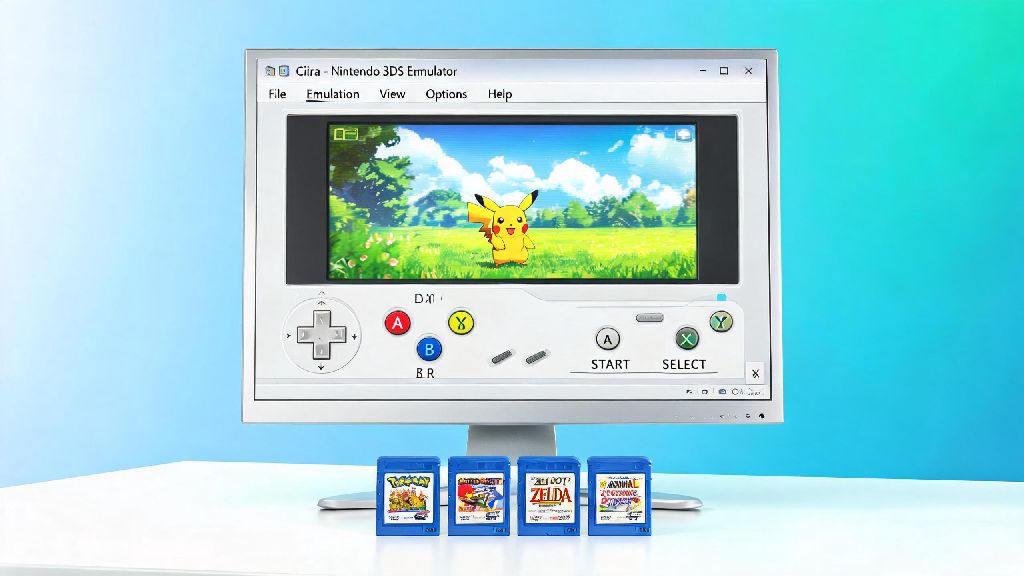
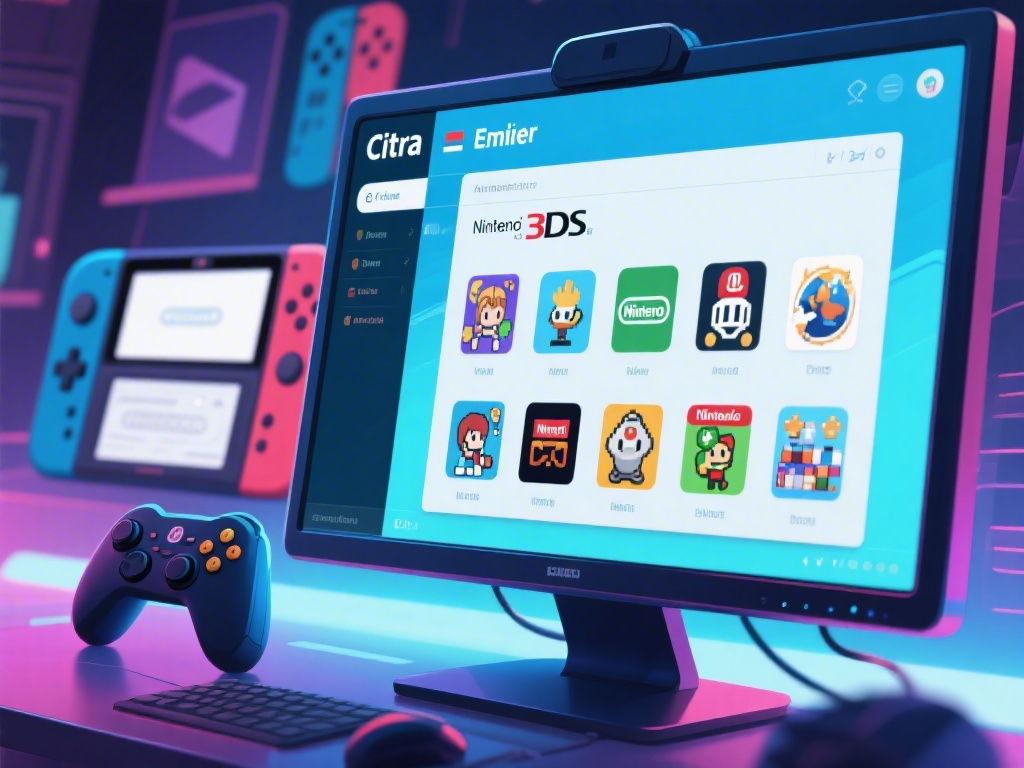
Are you looking to emulate your favorite Nintendo games on your PC but unsure of how to get started with Citra? Look no further! This guide will walk you through the process of setting up and using the Citra emulator to emulate Nintendo 3DS games on your computer. Whether you're a beginner or an experienced emulator user, this guide will provide you with everything you need to know to get started.
1. Downloading and Installing Citra
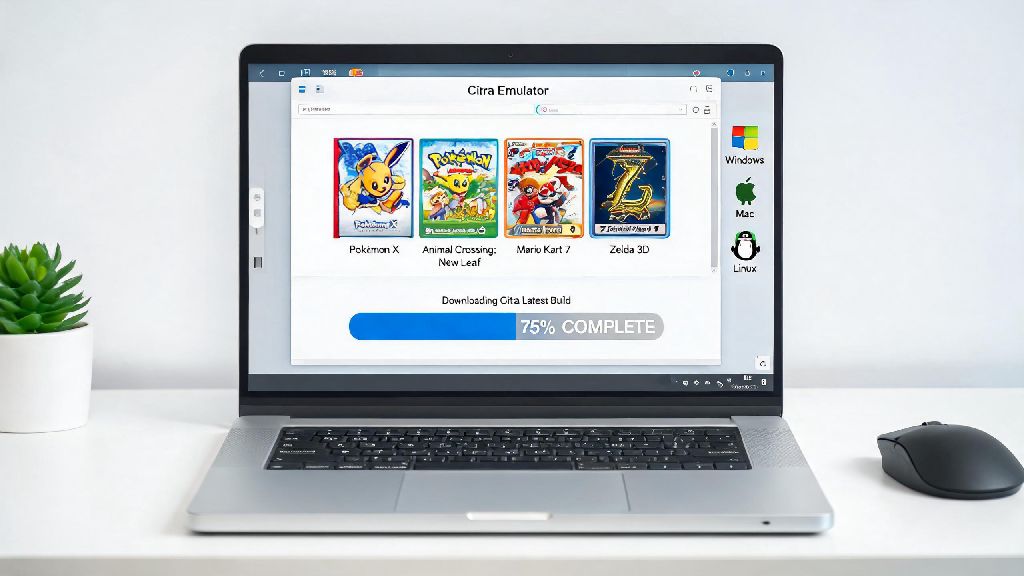
The first step to emulating on Citra is to download and install the emulator. You can find the latest version of Citra on the official website. Make sure to download the version compatible with your operating system.
Download Link: https://citra-emu.org/Once downloaded, run the installer and follow the on-screen instructions to complete the installation process.
2. Setting Up Your Citra Emulator
After installing Citra, the next step is to set up the emulator. This involves configuring the settings and adding your Nintendo 3DS games to the emulator.
2.1 Configuring Settings
Open Citra and go to the "Settings" menu. Here, you can adjust various options such as graphics, audio, and control settings. It's recommended to start with the default settings and adjust them as needed for the best performance.
2.2 Adding ROMs
To add a ROM to Citra, go to the "Game" menu and select "Add ROM." Browse your computer for the ROM file and select it. The game will now appear in the list of games in Citra.
3. Optimizing Performance
One of the key aspects of emulating on Citra is optimizing the performance to ensure smooth gameplay. Here are some tips to help you improve your emulating experience:
- Update Drivers: Make sure your graphics and audio drivers are up to date for the best performance.
- Adjust Graphics Settings: Lower the graphics settings if you experience lag or graphical issues.
- Use the Right Game Patches: Some games may require specific patches for optimal performance.
4. Troubleshooting Common Issues
Despite careful setup, you might encounter some issues while emulating on Citra. Here are some common problems and their solutions:
- Lagging Games: If your game is lagging, try lowering the graphics settings or using the "Fastest" backend.
- Sound Issues: If you have sound issues, make sure your audio settings are correct and try using a different audio backend.
- Game Crashes: If a game crashes, try updating the game's patch or looking for a different version of the ROM.
5. Joining the Citra Community
The Citra emulator has a vibrant community of users and developers. Joining the community can provide you with valuable resources and support.
- Official Forums: https://citra-emu.org/forums/
- Discord Server: https://discord.com/invite/5CQ6ZcQ
---
In conclusion, emulating on Citra can be a rewarding experience if you follow the right steps. By downloading and installing the emulator, setting up your preferences, optimizing performance, troubleshooting common issues, and joining the community, you'll be well on your way to enjoying your favorite Nintendo 3DS games on your PC. Happy emulating!