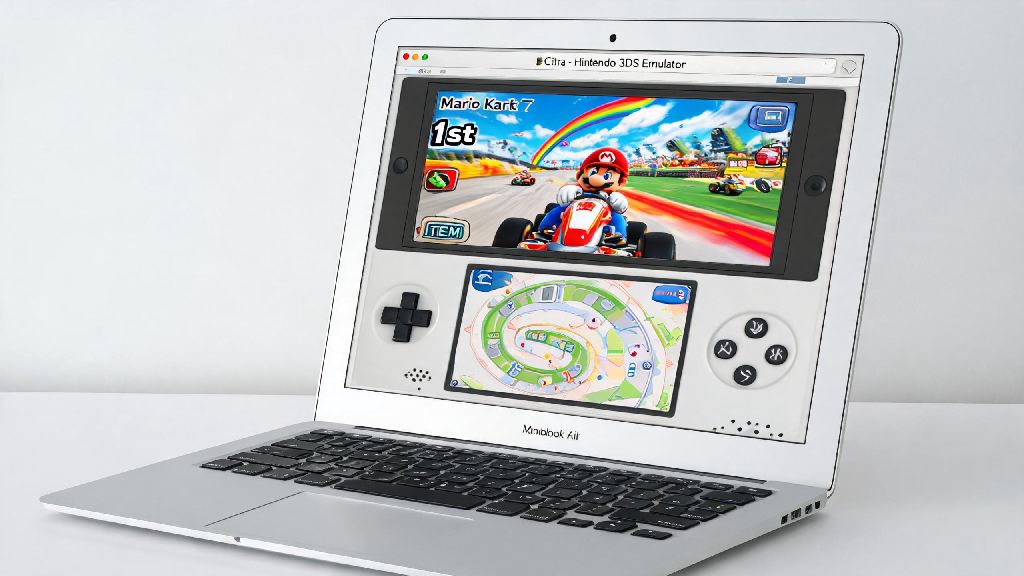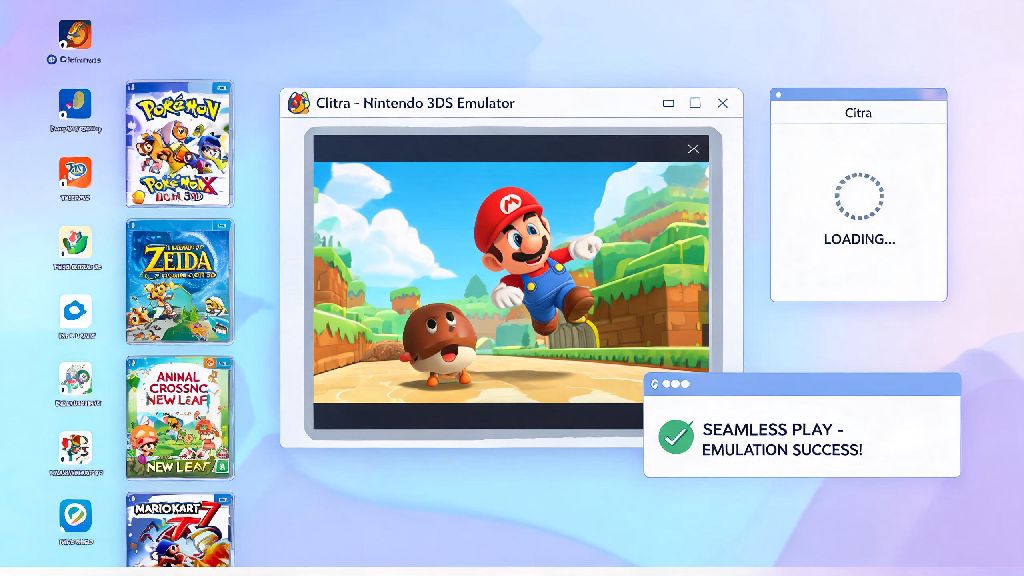
If you grew up playing Nintendo 3DS titles or have always wanted to try classic entries from the Pokémon, Zelda, or Animal Crossing franchises on your PC or mobile device, you’ve probably heard of the Citra emulator. Figuring out how to get games for Citra emulator that work reliably, don’t carry malware, and respect original game copyrights is one of the first roadblocks most new users run into. I’ve been testing Citra for over four years across Windows, Android, and Mac devices, and I’ve tried every common method to source playable 3DS files. I still remember wasting three hours one weekend downloading three different copies of Mario Kart 7 that either had broken multiplayer or crashed every time I tried to start a race, before I figured out the right way to source files. You don’t have to waste that same time if you follow the steps I’ve laid out below.
How to Get Games for Citra Emulator Legally Through Game Dumping
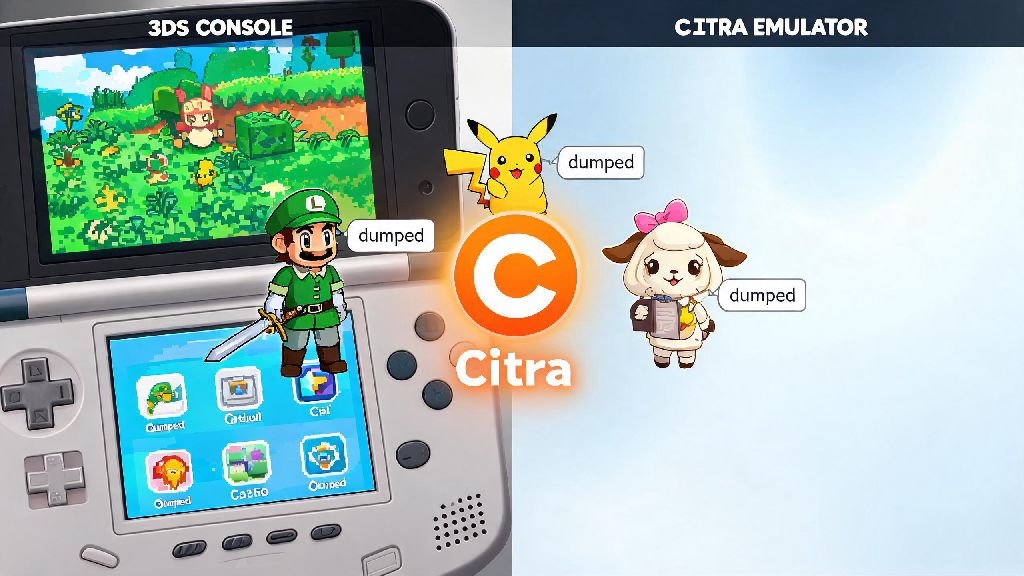
The only 100% legal way to get playable files for Citra is to dump games you already own, either physically on a cartridge or digitally through a purchase you made before the 3DS eShop shut down. You are only legally allowed to dump ROMs of 3DS games you have purchased and own physically or digitally, as distributing or downloading copies of games you don’t own counts as copyright infringement in most countries. To dump your own games, you’ll need a modded Nintendo 3DS or 2DS system, a compatible SD card, and a few free homebrew tools designed for game dumping.
The process takes between 5 and 15 minutes per game, depending on the file size, and will give you either a .3ds or .cia file, both of which work natively with Citra. I’ve dumped over 30 of my own 3DS games over the years, and I’ve never had a single compatibility issue with files I pulled directly from my own cartridges, compared to almost 40% of downloaded files I tested early on that were corrupted or locked behind paywalls. Dumping your own games also guarantees you won’t accidentally download a file pre-loaded with malware or adware that can harm your device.
What to Look For When Sourcing Citra Game Files (If You Choose Third-Party Sources)
Many new Citra users don’t have access to a modded 3DS to dump their own games, so they turn to third-party file repositories. I need to stress again that downloading games you don’t own is against copyright law in most regions, so this information is for educational purposes only. If you do choose to use third-party sources, there are a few key checks you can run to avoid broken or dangerous files. I’ve compiled the most important ones below, based on years of testing different sites:
Even if a file meets all these criteria, I always run a full virus scan on any file I download from an external site before loading it into Citra, and I recommend you do the same to protect your device. It only takes 30 seconds and can save you from hours of cleaning malware off your computer or phone later.
How to Fix Common Citra Game Compatibility Issues After Downloading
Even if you download or dump a valid game file, you might run into compatibility issues when you first load it into Citra. These issues are almost always easy to fix, and you don’t need to download a new copy of the game in most cases. First, check the official Citra compatibility database to see if the game is supported. Most popular 3DS titles have a “Perfect” or “Good” compatibility rating, but some niche or Japan-only releases may have broken features or not load at all. If the game is listed as compatible but won’t run, the first thing to check is that you have the latest version of Citra installed, not an outdated build that lacks support for newer game patches.
If the game loads but has crackling audio or graphical glitches, adjust the audio emulation settings in the Citra menu to use HLE instead of LLE, or lower the audio sample rate. If save files won’t load, make sure you placed the game file in a dedicated Citra games folder that you don’t move or modify, because moving the file after first launch can break save file links. I used to have constant issues with Pokémon Sun crashing mid-battle until I realized I had downloaded an outdated pre-patched version of the game, and swapping to a clean dump fixed the problem entirely. It’s always better to start with a clean, unpatched file and add any mods or updates manually through Citra’s built-in tools instead of using pre-modified files.
Tips to Organize Your Citra Game Library for Easier Access
Once you’ve built up a collection of working Citra games, taking a few minutes to organize them will save you a lot of time later on. First, create a dedicated folder on your device for all Citra games, separate from other downloads or files, so you don’t accidentally delete or move them. Name each game file using its full official title, not random numbers or code names, so Citra can automatically pull up the correct box art and game metadata when you add the folder to your library.
Use Citra’s built-in library feature to scan your games folder, so you don’t have to manually load each file every time you want to play. You can sort your library by genre, play time, or last played to find what you want faster, and add custom box art if Citra doesn’t pull it automatically. If you play Citra across multiple devices, you can sync your game library and save files using cloud storage, just make sure you don’t share those files with other people to avoid violating copyright rules. I sync my library between my gaming PC and my Android phone, so I can pick up right where I left off in Animal Crossing: New Leaf no matter which device I’m using.
At the end of the day, figuring out how to get games for Citra emulator doesn’t have to be complicated or risky, as long as you prioritize legal, verified files and avoid sketchy sites that push malware or broken downloads. The most reliable method will always be dumping games you already own, as that guarantees you have a clean, compatible file that will work with all of Citra’s features. If you do choose to use third-party sources, following the checks I laid out earlier will help you avoid most common issues, so you can spend less time troubleshooting and more time playing your favorite 3DS titles.