Introduction to Citra Emulator for Android
The Citra Emulator is a popular choice for Android users who want to enjoy their favorite Nintendo 3DS games on their smartphones or tablets. With its user-friendly interface and impressive performance, it's no wonder that many gamers are interested in downloading it. In this guide, we will walk you through the process of downloading and setting up the Citra Emulator on your Android device.
Step-by-Step Guide: How to Download Citra Emulator for Android
1. Search for Citra Emulator: Open your Android device's web browser and search for "Citra Emulator for Android." You will find several options, including the official Citra website and third-party sources.
2. Download from a Reliable Source: It is crucial to download the Citra Emulator from a trusted source. The official Citra website is the safest option, but you can also consider reputable third-party sources like APKMirror.
3. Enable Unknown Sources: Before installing the APK file, you need to enable "Unknown Sources" in your device's settings. Go to "Security" or "Privacy" settings, find "Unknown Sources," and toggle the switch to enable it.
4. Install the APK: Locate the downloaded APK file and tap on it to install the Citra Emulator. Once the installation is complete, you can find the app in your app drawer.
Setting Up the Citra Emulator
1. Download ROMs: To play games, you need to download the ROMs of the games you want to play. Ensure that you only download ROMs from trusted sources and that you have the right to use them.
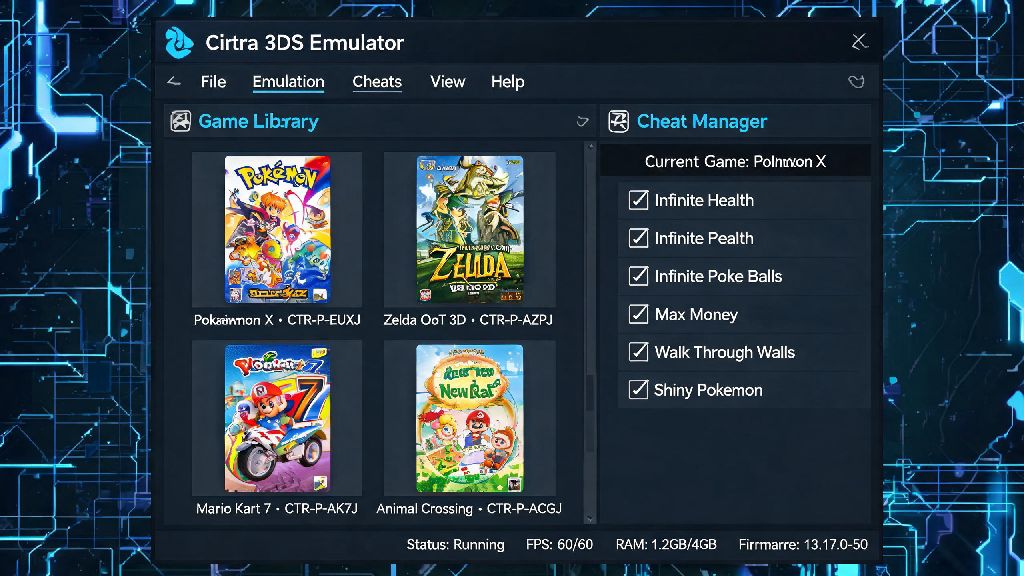
2. Open Citra Emulator: Launch the Citra Emulator and navigate to the "ROMs" section. Click on the "+" button to add a new ROM and select the downloaded ROM file.
3. Configure Settings: Citra offers various settings to enhance your gaming experience. You can adjust the graphics, sound, and control settings according to your preference.
Troubleshooting Common Issues
1. Slow Performance: If you experience slow performance, try lowering the graphics settings or closing other apps running in the background.
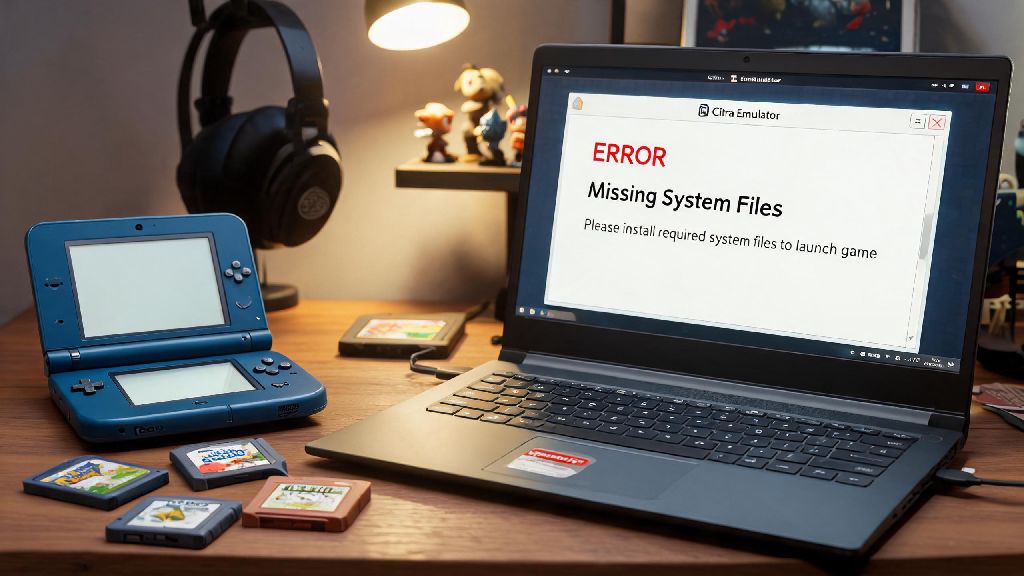
2. Game Crashes: If a game crashes frequently, ensure that you have the latest version of the Citra Emulator and that your ROMs are not corrupted.
3. Sound Issues: If you encounter sound problems, check the audio settings in the Citra Emulator and ensure that your device's sound is working properly.
Conclusion
Downloading and setting up the Citra Emulator for Android is a straightforward process, as long as you follow the steps outlined in this guide. With the Citra Emulator, you can enjoy a wide range of Nintendo 3DS games on your Android device. Happy gaming!