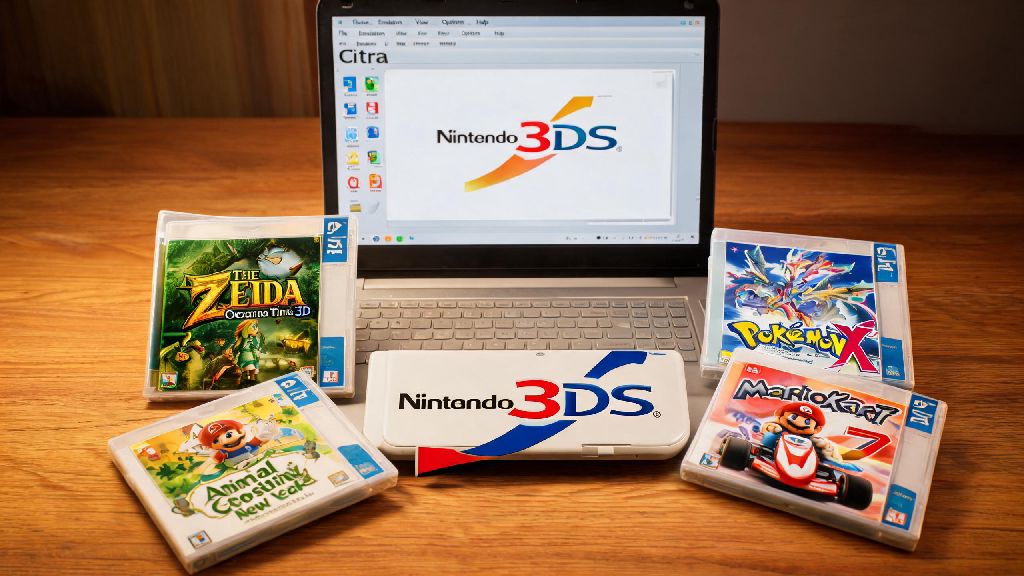
The Citra Emulator is a powerful tool for Pokémon fans, allowing them to play their favorite games on a variety of platforms. But what exactly is the Citra Emulator, and how does it work? In this ultimate guide, we'll dive into what the Citra Emulator is, its features, and how to get started.
What is the Citra Emulator?
The Citra Emulator is an open-source project that aims to emulate the Nintendo 3DS, allowing users to play 3DS games on their computers. It is developed by a community of volunteers and is available for Windows, macOS, and Linux.
Features of the Citra Emulator
How to Install and Use the Citra Emulator
Installing the Citra Emulator is straightforward. Simply download the installer for your operating system from the official website. Once installed, you can start by downloading a compatible ROM and adding it to the emulator.
Here's a quick rundown of the steps:
Understanding Citra Emulator Settings
Citra offers a variety of settings that can enhance your gaming experience. Here are some key settings to familiarize yourself with:
Updating the Citra Emulator
Keeping your Citra Emulator updated is crucial for the best performance and compatibility. Updates often include bug fixes, performance improvements, and new features. To update, simply download the latest version from the official website and run the installer.
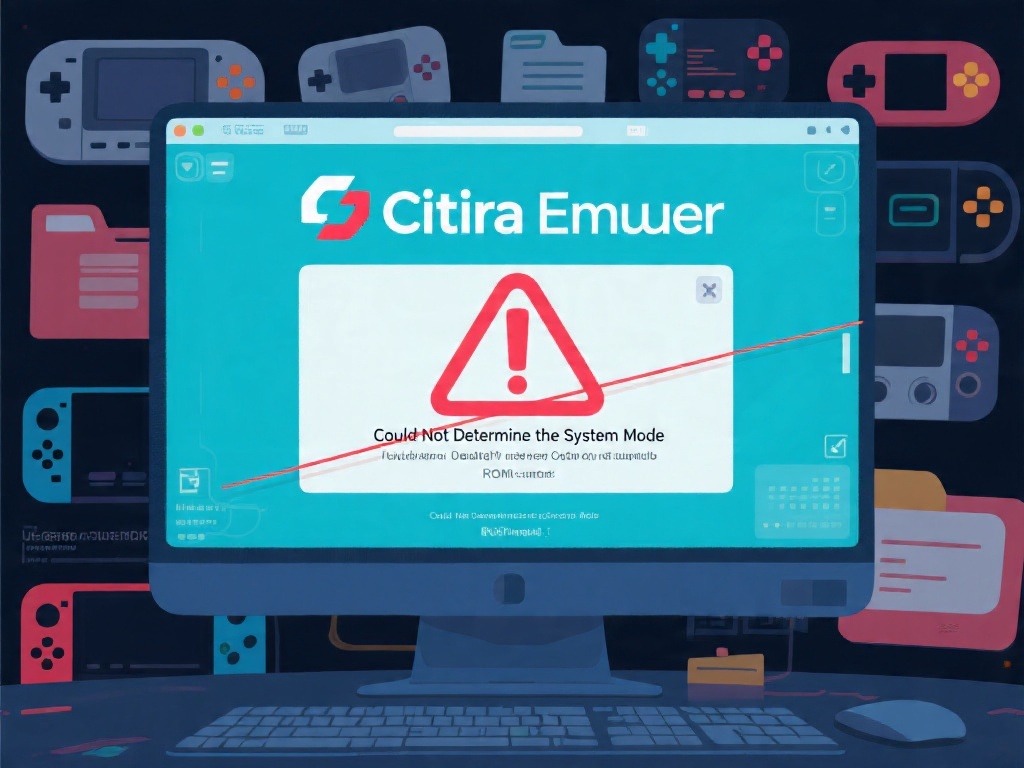
Troubleshooting Common Issues
Like any emulator, Citra may encounter issues from time to time. Here are some common problems and their solutions:
Joining the Citra Emulator Community
The Citra Emulator has a vibrant community of users and developers. Joining the community can help you find support, learn new tricks, and stay updated on the latest developments. You can find the community on forums, social media, and Discord channels.
In conclusion, the Citra Emulator is a fantastic tool for playing 3DS games on your computer. With its high compatibility, customizable settings, and active community, it's no wonder it's a favorite among Pokémon fans. Whether you're a beginner or an experienced user, this guide will help you get the most out of your Citra Emulator experience.