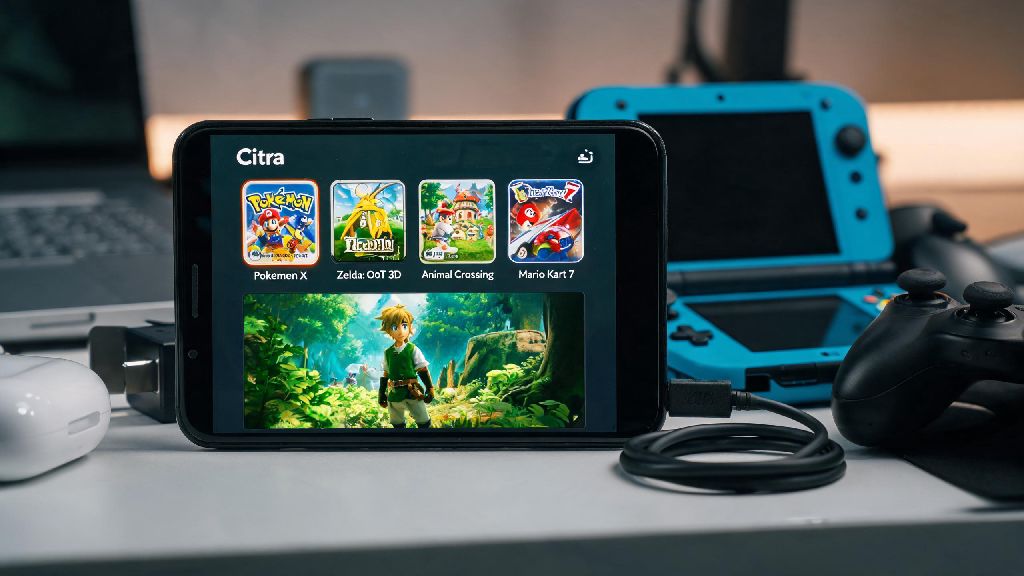
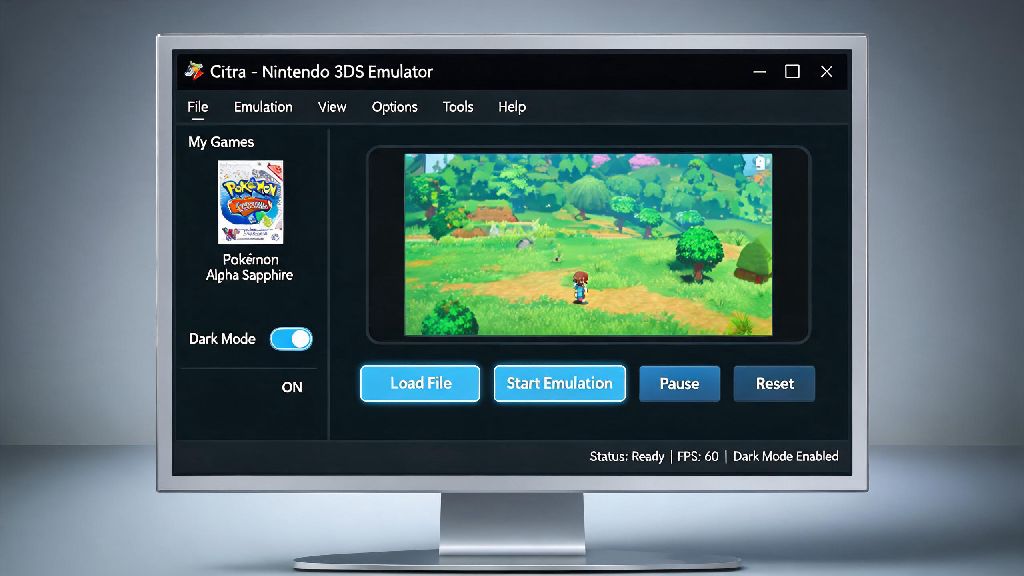
If you’ve ever spent hours grinding for rare items in a 3DS Pokémon game or struggling to beat a tough boss in Zelda: A Link Between Worlds, you’ve probably wondered if there’s a simpler way to unlock fun extras or cut down on tedious gameplay. Cheat codes aren’t just for old console cartridges anymore, and the open-source Citra emulator makes it easy to use them for your legally backed up 3DS ROMs. I’ve tested dozens of cheat setups for Citra over the years, and I’ve made every mistake in the book when it comes to broken codes and missing menus, so this guide skips all the useless fluff and sticks to what actually works. A common question new users run into is where to put in cheat codes on Citra emulator, especially if you’re used to other emulators that hide cheat menus in obscure spots.
Where to Put in Cheat Codes on Citra Emulator: Exact Menu Locations
The Citra cheat menu is easier to find than you might think, but there’s one key catch most new users miss. You can only access the Citra cheat menu when a 3DS game is actively running, otherwise the option will be grayed out and unclickable. That means you can’t add cheats before you launch your game, which is a common point of confusion for people switching from other emulators like RetroArch.
For desktop users on Windows, Mac, or Linux, once your game is fully loaded, look at the top menu bar of the Citra window. Click the “Emulation” tab, then select “Cheats” from the dropdown list. A separate pop-up window will open that shows all existing cheats for your current game, plus options to add, edit, or delete codes. For Citra Android users, the process is slightly different. Once your game is running, tap the three-dot menu icon in the top right corner of the screen, then select “Cheats” from the dropdown list. The menu works exactly the same as the desktop version, so you can add, enable, and delete codes the same way you would on a computer.
How to Add and Activate Custom Cheats Correctly
Once you’ve opened the cheat menu, adding new codes takes just a few clicks, but there are small details that make a big difference in whether they work. Most Citra-compatible cheats use Action Replay format, so you don’t need to convert codes from standard 3DS cheat lists before you add them. Always double-check that cheat codes match your game’s region and version — a code for the US version of Pokémon X won’t work for the Japanese version, for example, and codes for the base game won’t work with DLC or special edition releases.
Follow these simple steps to add custom cheats without formatting errors:
- Launch your desired 3DS game from your Citra ROM library and wait for it to fully load to the main menu or in-game save file
- Navigate to the Cheats menu as outlined earlier, then click “Add Cheat” in the bottom right corner of the pop-up window
- Paste or type your cheat code in the large text box, add a clear name for the cheat (like “999 Rare Candies”) so you can identify it later
- Check the “Enabled” box next to the cheat name, then click “Save” to activate it immediately
Some cheats require a specific button combo to activate, so make sure to read any notes included with the code before you test it. If you add a code and it doesn’t work right away, try toggling it off and back on, or restarting your game to refresh the memory values. You can also edit existing cheats at any time by opening the cheat menu, selecting the code, and clicking the “Edit” button.
Common Reasons Citra Cheats Don’t Work (And How to Fix Them)
Even if you put your cheat codes in the right spot, they might not work for a handful of common, easily fixable reasons. The most frequent issue I see is people using codes for the wrong game region or version, so that’s always the first thing to check if a code fails to activate. If you’re 100% sure the code matches your game, the next most common culprit is an outdated emulator build. Update your Citra emulator to the latest nightly or canary build if you run into repeated cheat activation issues, as developers regularly fix compatibility bugs for both games and cheat functionality.
Another common issue is conflicting cheat codes. If you activate 10+ cheats at once, they might overwrite each other’s memory changes and cause both codes to fail, or even crash your game. Try activating one cheat at a time to find the conflicting pair, and only run the codes you actually need for your current play session. If you’ve added a lot of custom codes over time, the local cheat file for your game might have formatting errors that break all your codes. You can reset it by deleting the .txt cheat file for your specific game in Citra’s user data folder, then re-adding the codes you want to use.
Save states can also interfere with cheat functionality. If you loaded your game from a save state instead of the original in-game save, some codes won’t recognize the memory values correctly. Try loading your game from the main save file instead, and test the cheat again. Avoid using cheats during critical save points to prevent corrupting your save file, which can cost you hours of progress you can’t get back.
Best Practices for Using Cheats on Citra Without Issues
Cheats are meant to make your gameplay more fun, not cause headaches, so following a few simple rules will help you avoid most common problems. First, only use cheats for games you legally own and have dumped yourself from your personal 3DS console. Piracy violates Citra’s terms of service, and many pirated ROMs have modified files that prevent cheats from working properly in the first place.
Always back up your save files before testing new cheats, even if they come from a trusted source. A small formatting error in a code can corrupt your save in seconds, so having a backup means you won’t lose all your progress if something goes wrong. Don’t use cheats in any online multiplayer modes, even if Citra supports online play for your game. This violates the rules for most game servers, and can get you permanently banned from accessing online features.
If you’re looking for new cheat codes, stick to community-curated lists from trusted Citra user groups. These codes are tested by other users to work with specific game versions, so you’re far less likely to run into broken or malicious codes. Never download pre-made cheat file packs from untrusted sources, as they can contain malware or intentionally broken codes that corrupt your data or crash your emulator.
Figuring out where to put in cheat codes on Citra emulator doesn’t have to be a confusing process, and once you know where the menu is hidden, you can unlock all kinds of fun extras for your favorite 3DS games. Take the time to test codes one by one, match them to your game version, and back up your saves to avoid frustrating issues. Whether you’re using cheats to skip a tough level you’ve been stuck on for weeks or to unlock all character skins in your favorite fighting game, the process is simple once you get the hang of it. Just remember to play responsibly, and don’t let cheats take away all the fun of earning rewards the old-fashioned way if that’s what you enjoy most.